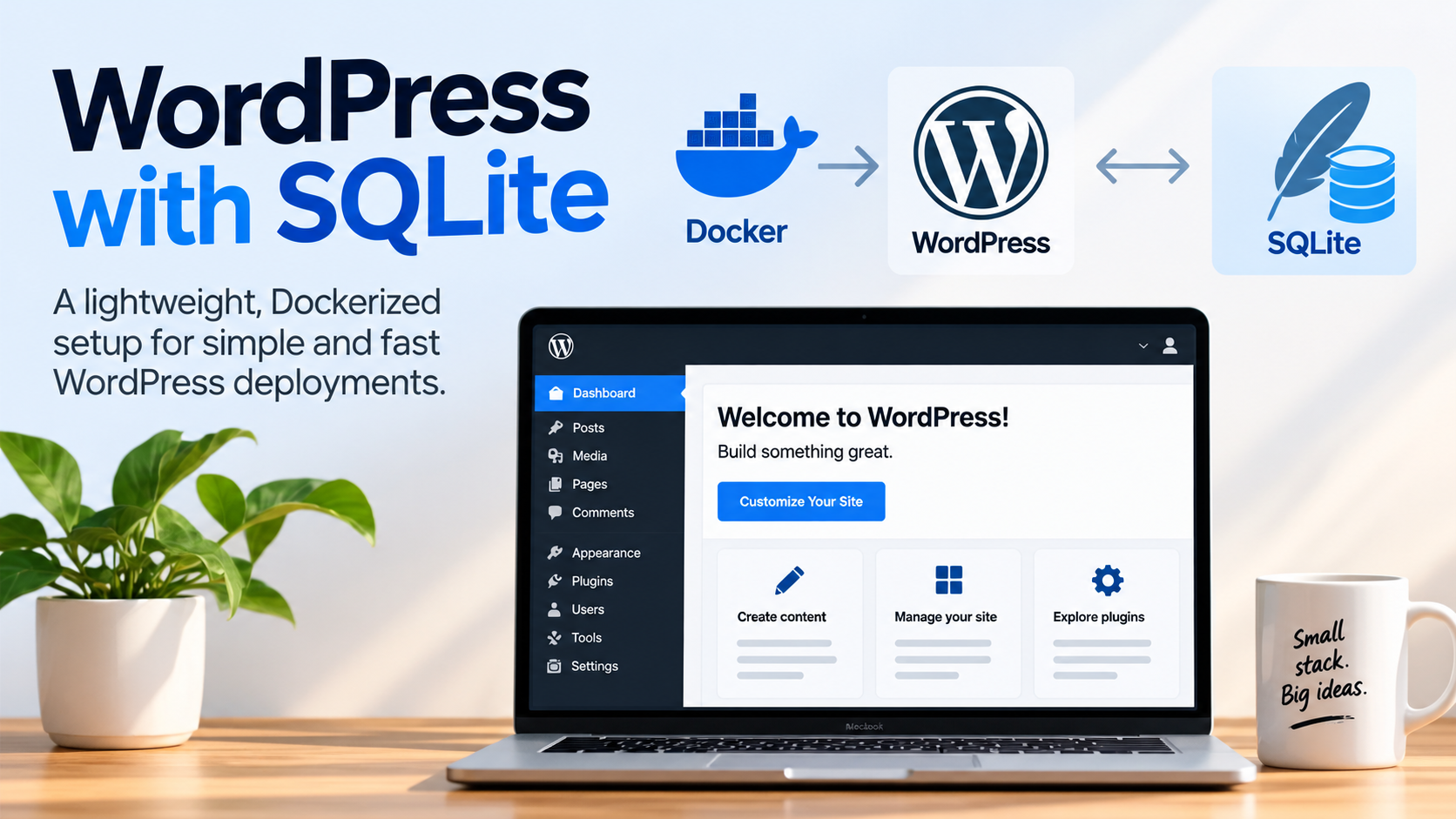
Running WordPress with SQLite: A Small Experiment That Became a Useful Docker Image
WordPress is traditionally deployed with MySQL or MariaDB. But for many small projects, experiments, development environments, and personal sites, running a separate database server can feel like unnecessary infrastructure.
That was the motivation behind my wordpress-sqlite project: run WordPress with SQLite, package the whole thing in Docker, and make it possible to get started with a single command.
The result is deliberately simple. There is no complicated orchestration layer and no separate database container. The project builds a WordPress image around SQLite and exposes it through the familiar WordPress web interface.
Why SQLite?
SQLite is an interesting fit for small WordPress installations because the database is simply a file. There is no database server to install, configure, monitor, or connect to over a network.
That changes the deployment model considerably.
A conventional WordPress deployment often looks roughly like this:
                    ┌──────────────┐
                    │   WordPress  │
                    └──────┬───────┘
                           │
                           │ SQL connection
                           ▼
                    ┌──────────────┐
                    │ MySQL/MariaDB│
                    └──────────────┘
With this project, the architecture becomes much smaller:
                    ┌──────────────────────────┐
                    │      Docker container    │
                    │                          │
                    │   WordPress + PHP/Apache │
                    │            │             │
                    │            ▼             │
                    │       SQLite database    │
                    │          (file)          │
                    └──────────────────────────┘
For a small installation, that simplicity can be very attractive.
The key piece: wp-sqlite-db
WordPress itself has historically been designed around MySQL-compatible databases. The interesting part of this project is therefore not simply putting WordPress inside Docker; it is providing SQLite compatibility underneath WordPress.
The project uses wp-sqlite-db, a drop-in implementation that allows WordPress to use SQLite instead of MySQL.
This makes it possible to keep the WordPress application model while replacing the database backend with SQLite.
The project is intentionally built around that existing compatibility layer rather than attempting to modify WordPress core.
Docker makes the experiment practical
Once SQLite support is available, Docker is a natural way to package everything together.
The repository contains a Dockerfile based on the serversideup/php:8.2-fpm-apache image. It prepares the PHP/Apache environment, installs WP-CLI, copies the startup configuration, and exposes port 80 from the container.
The image also accepts environment variables such as WORDPRESS_VERSION, making it possible to control which WordPress version is installed when the container starts.
The result is a self-contained image that can be run without first installing PHP, Apache, WordPress, or a database server on the host.
Getting started
If Docker is already installed, the simplest way to try it is:
docker run -e SSL_MODE=off \\
  -e WORDPRESS_VERSION=6.7.2 \\
  -p 8080:80 \\
  ghcr.io/thomascenni/wordpress-sqlite
Then open:
http://localhost:8080WordPress will take you through its normal installation process.
There is also a Docker Compose configuration in the repository, so the project can be started with:
docker compose upThe Compose setup creates a named volume for wp-content, allowing the site's content to live outside the container lifecycle.
Building it yourself
The repository is also intended to be easy to build locally.
Clone it first:
git clone https://github.com/thomascenni/wordpress-sqlite.git
cd wordpress-sqlite
Then build the image:
docker build --no-cache \\
  --tag ghcr.io/thomascenni/wordpress-sqlite ./
And run it:
docker run -p 8080:80 ghcr.io/thomascenni/wordpress-sqliteThis also makes the repository useful as a starting point if you want to experiment with the Docker image or customize the startup process.
What I like about this approach
The main benefit is not raw performance. It is reduced operational complexity.
For a small WordPress site, you may not need:
- a separate MySQL or MariaDB server;
- database credentials and connection configuration;
- a database network endpoint;
- another container to operate;
- another service to back up independently.
Instead, the database becomes part of the application's persistent data.
That is a very different operational model from a traditional WordPress deployment.
Where this approach makes sense
I would particularly consider this architecture for:
- personal websites;
- prototypes and proof-of-concepts;
- local WordPress development;
- documentation or small internal sites;
- temporary environments;
- demonstrations and workshops;
- very small sites where operational simplicity matters more than horizontal scalability.
It is also interesting for anyone who wants to experiment with the idea of a WordPress installation that behaves more like a self-contained application.
Where I would still use MySQL or MariaDB
SQLite is not a universal replacement for a server database.
For a large, highly concurrent WordPress installation, or an environment where multiple application instances need to access the same database concurrently, MySQL or MariaDB remains a much more conventional architecture.
This project is therefore not intended to claim that SQLite is the better database for every WordPress deployment. The goal is more specific: make a small, self-contained WordPress deployment possible.
A useful side effect: fewer moving parts
One of the things I find most interesting about this project is how much infrastructure disappears once the database becomes a local SQLite file.
A minimal deployment can be reduced to a container and persistent storage:
             Internet / Browser
                     │
                     ▼
             ┌───────────────┐
             │   WordPress   │
             │   Container   │
             │               │
             │ PHP + Apache  │
             │ SQLite        │
             └───────┬───────┘
                     │
                     ▼
             Persistent volume
That simplicity is particularly appealing for environments where the objective is to get a working WordPress instance running quickly rather than build a full production platform.
What this project taught me
This started from a relatively simple question: can WordPress be packaged as a small, self-contained application using SQLite?
The answer is yes, and the experiment highlights something I find valuable in infrastructure work: sometimes the best architecture is the one that removes components rather than adding them.
Docker provides the packaging, SQLite provides the database, and the SQLite compatibility layer bridges the gap with WordPress.
The result is a small project with a very simple user experience:
docker compose upOpen the browser, complete the WordPress installation, and you have a WordPress site running without a separate database server.
Try it yourself
The complete source code is available on GitHub:
https://github.com/thomascenni/wordpress-sqlite
The container image is published through GitHub Container Registry, so you can also try the project without building the image yourself.
If you experiment with it, I would be interested in hearing where SQLite-based WordPress deployments make sense for you — and where they don't.
This project is an experiment and a practical deployment option for small WordPress installations. For production workloads, evaluate the database, backup, concurrency, storage, and operational requirements of your particular environment before choosing SQLite.