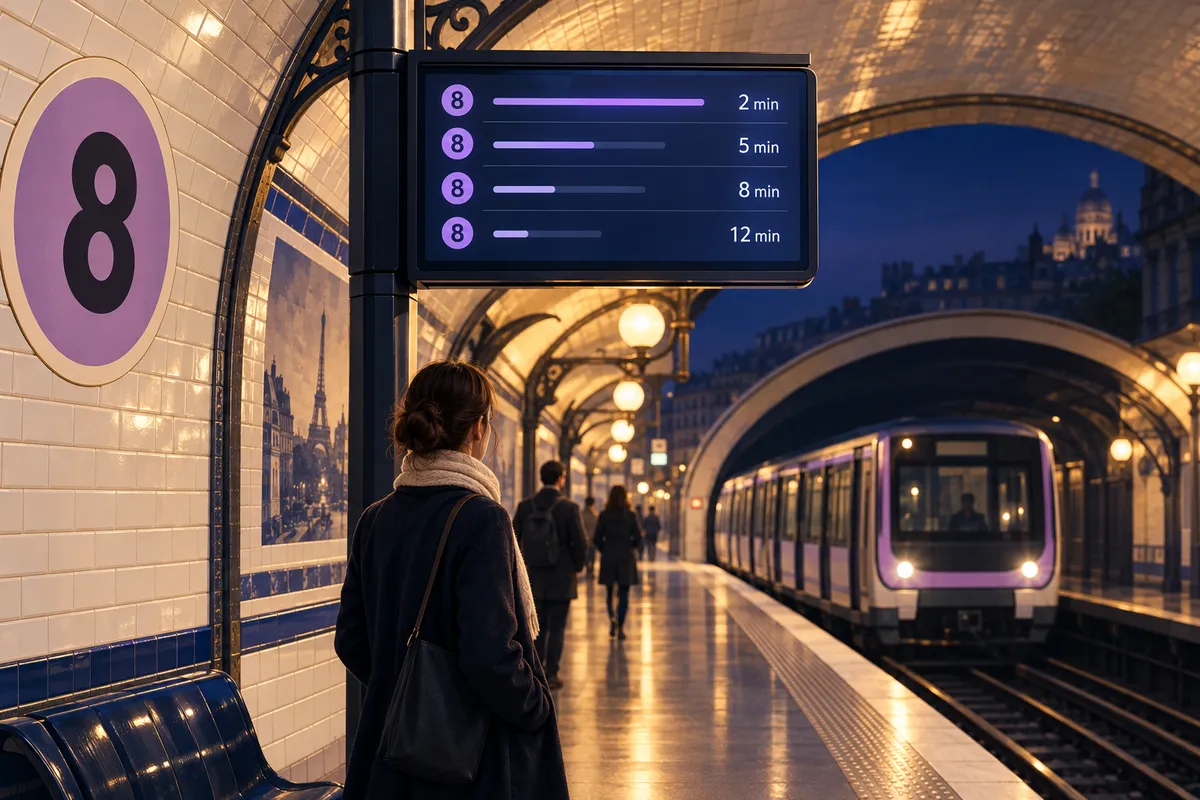
Checking when the next train is due should be quick. I wanted a simple way to see live metro departures without having to navigate a general-purpose transit app every time, so I built a lightweight departures board powered by Île-de-France Mobilités data.
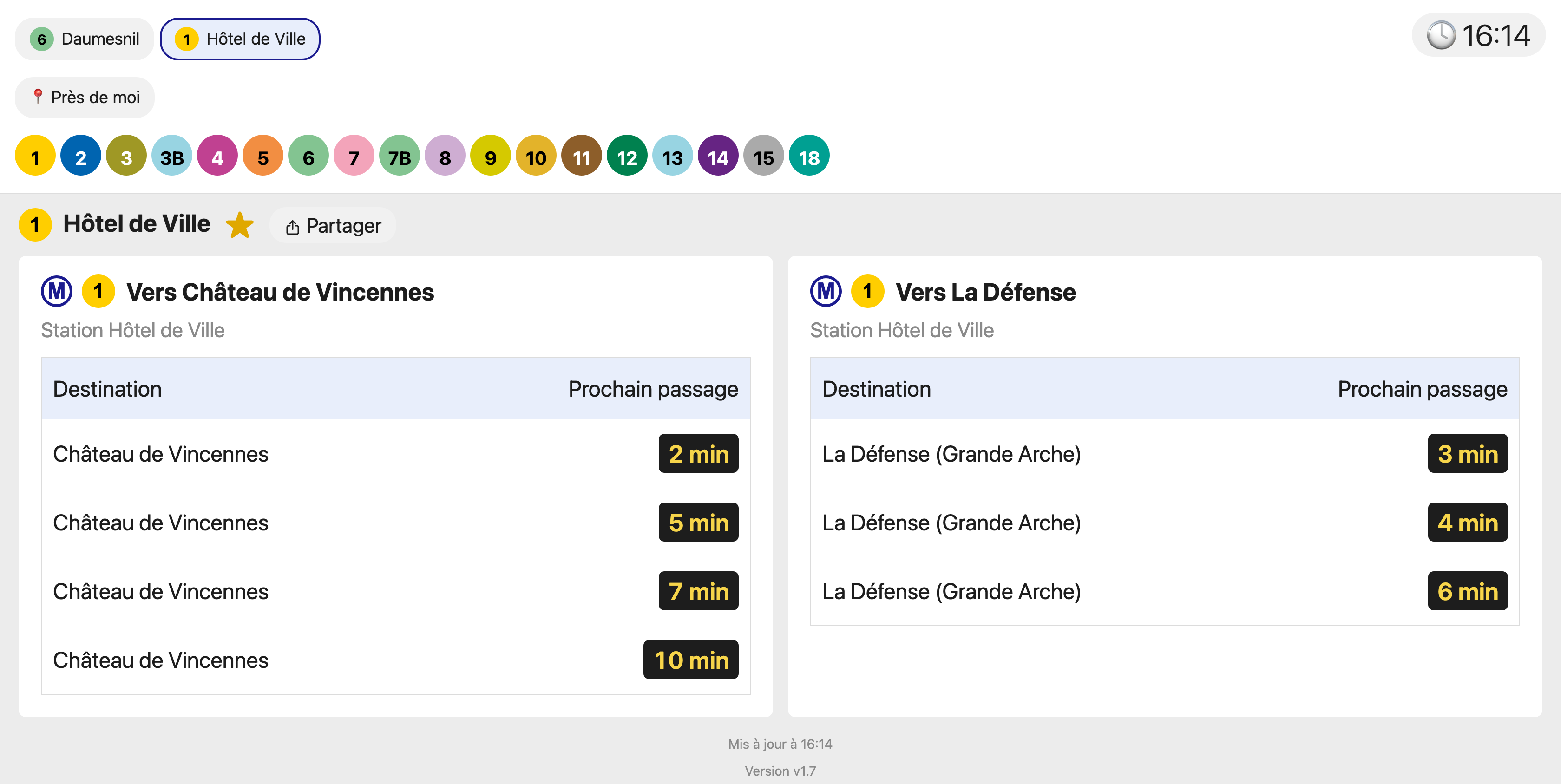
The app lets you choose a metro line and station, then shows the next trains by direction. It refreshes automatically, remembers favorites in the browser, and can look for nearby stops when you share your location. You can also share a link to a station, which makes it easy to return to the same board later.
Live data, not a timetable
The departures come from the PRIM API, Île-de-France Mobilités’ public transport data platform. That distinction matters: the board is meant to show live information, not a static timetable that might look reassuring while being out of date.
The server makes the API request and keeps its key out of the browser. It briefly caches live responses to avoid unnecessary upstream requests, while reference data for lines and stations is cached for longer. On the client, departures are refreshed every 20 seconds. If an update fails, the interface clears the old departures rather than presenting them as current.
Small on purpose
The project keeps its runtime deliberately simple: a Node.js server serves the interface and provides the API routes, using built-in modules rather than third-party runtime packages. That makes it straightforward to run on a small home server or deploy with Docker Compose.
The interface is also installable as a Progressive Web App. After the first visit, the service worker can make the app shell available offline; live departures still need a network connection. Keeping that boundary clear is more useful than pretending an offline screen can provide real-time arrivals.
Designed around the everyday details
A departures board is only helpful if the details are easy to scan. The app groups results by direction, updates automatically, and keeps useful actions close at hand: favorites, station links, and nearby-stop search. Noctilien lines can also appear during the configured night hours.
There are trade-offs in a small app like this. A short cache helps balance freshness with API traffic, while a polling interval avoids constant requests from an open screen. And because the interface is meant to stay lightweight, it works with browser capabilities rather than relying on a large client-side framework.
This project is a practical experiment in making open transit data feel immediate: a small screen, a live feed, and just enough features to make the next trip easier to plan.
Try it on the official page.